

What we do · Data and web
Live migration and hypervisor exits
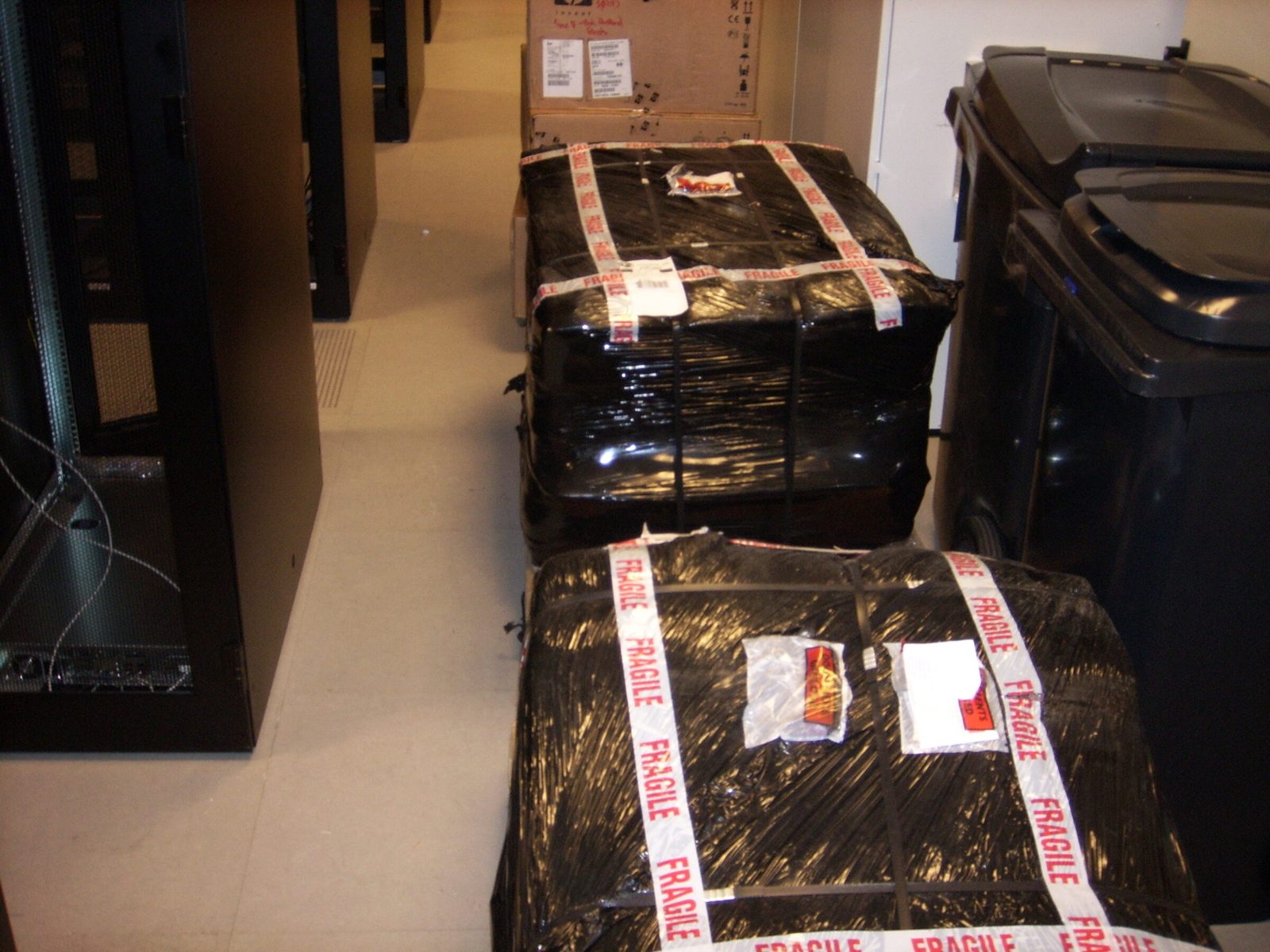
Running virtual machines move between hosts without stopping, and whole estates move off VMware or standalone KVM servers onto our Oracle Linux Virtualization Manager (OLVM) private cloud. Live when it is safe to be live, as a verified cold copy when it is not, and always with the original kept intact until the new side is proven.
What it is
Three kinds of move under one discipline:
- Live migration: a running KVM virtual machine, memory and disk, moved between hosts with a pause measured in milliseconds. It is how we do host maintenance and hardware replacement without scheduling your downtime.
- Hypervisor exits: VMware estates and standalone KVM hosts moved onto OLVM, where VMs boot from enterprise all-flash storage over redundant Fibre Channel fabrics, with backup and monitoring from day one.
- Site moves: whole environments relocated between our datacenters, keeping their addresses and their identities.
How we build it
A decision rule before a single byte moves. If CPU generation, network plumbing and hypervisor release stay compatible, the VM moves live. When they all change at once, we do not gamble: the VM is shut down, copied, redefined and cold booted on the target, and the source stays untouched as the rollback.
Live migration done properly. We use libvirt's direct migration path with storage copy and auto-converge, so busy VMs still converge. The destination is prepared first: storage pools, bridges and VLAN interfaces, and for unusual disk layouts an image pre-created at the exact source size.
Rebuild the stateless, replicate the stateful. For an exit we often prefer a clean rebuild from live measured specifications. Web and application tiers are rebuilt from configuration; the database moves by replication, so cutover is a promotion with seconds of delta.
A purpose-built migration appliance. Conversions run on a dedicated migration server with all-flash NVMe and SSD storage, connected straight into our fabric. It converts guests from other hypervisors and streams KVM disk images directly into disks created by the target platform, preserving MAC addresses, firmware mode and machine type, so the VM boots on arrival.
Audited against the API, not the build notes. Every VM is checked against the virtualization manager itself (CPU topology, memory guarantees, network interfaces, routes, disks, hostname) before any data moves. VMs are right-sized and never given more vCPU than one CPU socket has cores.
Windows handled. Drivers and guest tools are sorted, the old hypervisor's tools removed only once the boot disk runs on VirtIO, and Active Directory and licensing checked after the move.
Dry runs, timing agreed. Every conversion is rehearsed on a copy first. If a move could touch your traffic, we agree the timing with you first.
What it protects you from
- Downtime for host maintenance, firmware work or hardware replacement.
- Licensing changes you have no way out of.
- A migration that loses the source before the target works.
- A move between CPU generations silently breaking a guest.
- VMs arriving with the wrong topology, a missing interface or a lost address.
- Renumbering your whole estate just to change platform.
In practice
A load balancer, moved live. A news publisher's busy load balancer VM was live migrated between hosts, disk included, in 3 minutes 5 seconds, with a pause of about 300 milliseconds.
A national broadcaster leaves VMware. We rebuilt a national broadcaster's web platform from VMware onto OLVM as right-sized VMs, audited each against the API and moved the database by replication. A development server went through our migration appliance and was boot ready in about seven and a half minutes. The cutover completed months ago.
A standalone KVM host, imported. A customer's standalone KVM server was imported into OLVM at about nine GiB a minute, every address intact, because the dry run had already handled the interface naming of the new virtual chipset.
A VDI estate moved between countries. A virtual desktop environment moved from Amsterdam to Athens. We carried its management subnet whole over our Layer 2 extension, so every desktop pool and entitlement came through unchanged, and every domain controller was verified healthy afterwards.
Why EuroVPS
- A written rule for live versus cold, applied every time.
- The source kept as the rollback until the target is proven.
- A dedicated migration appliance, not a laptop and a weekend.
- Layer 2 extension between our sites, so you move without renumbering.
- Every VM audited against the API before data moves.
FAQ
Can you move our VMs without rebuilding them? Yes, by conversion, with drivers and tools switched in a tested order. We keep the originals until you sign off.
Will our VMs keep their IP addresses? They can. With Layer 2 extension, servers keep their addresses and move one at a time.
How long does a live migration pause the VM? Typically a fraction of a second at switchover. Cold moves go into a window agreed with you.
What if something goes wrong mid-move? The source is unchanged. We fall back, find out why, and go again.
What is OLVM? Oracle Linux Virtualization Manager, enterprise management for standard KVM. No proprietary lock-in.
Leaving VMware? Talk to an engineer.
Your next infrastructure partner
Let’s look at
your setup.
Tell us what you run today and what needs to improve. An engineer will review your brief and help you plan the next step.
+357 222 32280
who will look after your infrastructure.
Let’s start with your setup.
A little context helps us start the right conversation.