

Live migrating a KVM guest with its storage, step by step
How to move a running KVM virtual machine and its disk between hosts with libvirt: compatibility checks, destination prep, the command, and when to go cold.
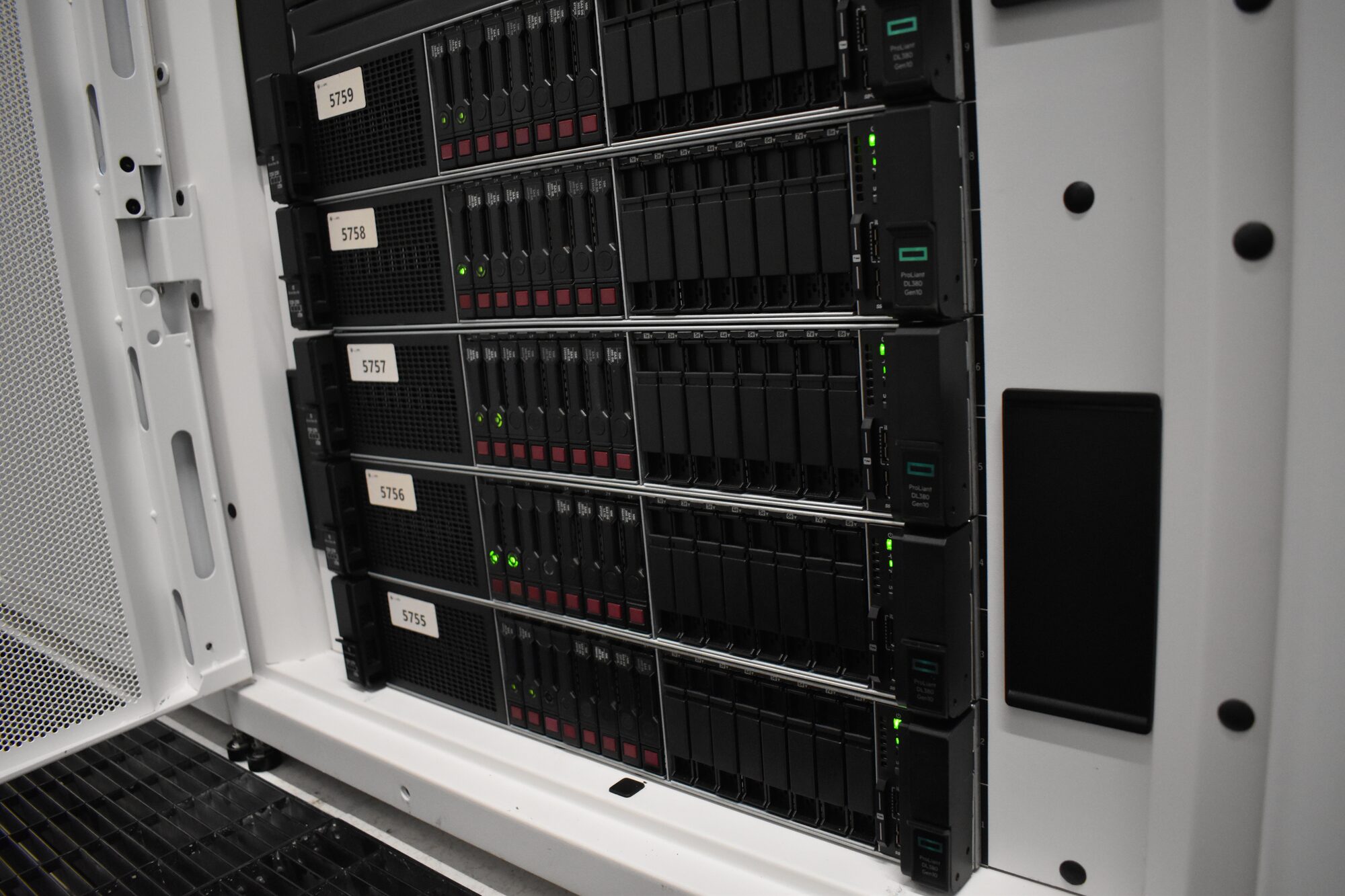
Moving a running virtual machine between hosts without shared storage sounds like magic until you have done it a few times. Then it is a checklist: confirm the hosts are compatible, prepare the destination so the guest finds everything it expects, run one command, and know when not to try. Here is that checklist for plain KVM with libvirt.
What actually happens during a live migration
With --copy-storage-all, libvirt asks QEMU on the destination to create the guest, then streams the disk across while the guest keeps running and writing. Once the disk is mirrored, memory is copied in rounds: each round sends the pages the guest dirtied during the previous one. When the remaining dirty set is small enough to send within the allowed downtime, the guest is paused, the last pages and device state cross over, and it resumes on the destination. The pause is usually a few hundred milliseconds. Network connections survive because the guest keeps its MAC and IP address, and the switch learns the new location from the guest's first packets.
Everything that can go wrong is a mismatch between what the guest expects and what the destination offers. So check those first.
Step one: decide live or cold
Live migration is the right tool when the source and destination are compatible and the guest's write rate is moderate. It is the wrong tool when everything changes at once: a different CPU generation, a different network layout and a different hypervisor release on the same move. Then the safe path is cold: shut the guest down cleanly, copy the disk, define it on the target, boot it, and keep the source untouched as the rollback.
A database primary with a very high page dirty rate may also never converge. Measure before you try:
virsh domdirtyrate-calc <guest> --seconds 5
virsh domstats <guest> --dirtyrate
Step two: check CPU compatibility
The guest's CPU model must exist on the destination. If the guest uses host-passthrough, the two hosts' CPUs must effectively match. Compare the guest's definition against the destination host:
virsh dumpxml <guest> > guest.xml                       # on the source
xmllint --xpath '//cpu' guest.xml > guest-cpu.xml
virsh hypervisor-cpu-compare guest-cpu.xml              # on the destination
identical or superset means go. incompatible means either change the guest to a named CPU model that both hosts support (at its next reboot) or move it cold.
Step three: prepare the destination network
Every bridge, or VLAN on a bridge, that the guest's interfaces attach to must exist on the destination with the same name, and must carry the same VLANs on the uplink:
virsh domiflist <guest>      # on the source: which bridges
ip -br link show type bridge # on the destination: do they exist?
A missing bridge fails the migration cleanly at the start. A bridge that exists but sits on an uplink without the VLAN migrates successfully and leaves the guest unreachable, which is worse. Check the switch side as well.
Step four: prepare the destination storage
The destination needs somewhere for the disk to land, at a path libvirt manages as a storage pool:
virsh pool-define-as images dir --target /var/lib/libvirt/images
virsh pool-start images && virsh pool-autostart images
For most layouts libvirt creates the target image itself. For unusual ones, create it in advance with exactly the same virtual size and format as the source:
qemu-img info --output=json /var/lib/libvirt/images/<guest>.qcow2   # note virtual-size
qemu-img create -f qcow2 /var/lib/libvirt/images/<guest>.qcow2 <virtual-size>
Step five: migrate
From the source host, with SSH key access to the destination as the libvirt user:
virsh migrate --live --persistent --undefinesource \
  --copy-storage-all --auto-converge --verbose \
  <guest> qemu+ssh://<destination>/system
--livekeeps the guest running.--copy-storage-allmirrors the full disk. (--copy-storage-incexists for disks whose base image is already on the destination.)--auto-convergethrottles the guest's CPU slightly if memory is being dirtied faster than it can be sent, so busy guests still finish.--persistentand--undefinesourcemove the definition with the guest, so it does not reappear on the old host at the next restart.
We use the direct migration path rather than --tunnelled when storage is copied. While it runs, watch progress from a second terminal:
virsh domjobinfo <guest>
domjobinfo shows data remaining, the dirty rate and the expected downtime. If it is plainly not converging, virsh domjobabort <guest> stops the job and leaves the guest running on the source, untouched.
Step six: verify on arrival
Check, from outside the guest:
virsh list --all                      # running on the destination only
virsh domblklist <guest>              # disk at the expected path
virsh domifaddr <guest> --source arp  # address visible on the network
If the guest is a load balancer or a database replica, confirm it has resumed its role (VRRP state, replication threads) rather than assuming it.
Only after that, remove the old disk image from the source, or better, keep it until the next maintenance cycle.
Your checklist
- Live or cold decided on purpose, with the dirty rate measured for busy guests.
- CPU model compared against the destination host.
- Every bridge and VLAN present on the destination, including the switch uplinks.
- A storage pool on the destination, enough free space, and a pre created image where the layout needs one.
- The migrate command run with storage copy and auto converge, watched with
domjobinfo. - The guest verified from outside, and the source copy kept until you are sure.
If you would like to move guests without taking them down, or need a way off your current hypervisor, we would be glad to help.
Published 22 October 2026.
All field notes