

Your inventory is a hypothesis until the network confirms it
How to keep a DCIM honest: prove an IP is free three ways, read MACs from the controller, confirm links with LLDP and the FC fabric, read back every field.
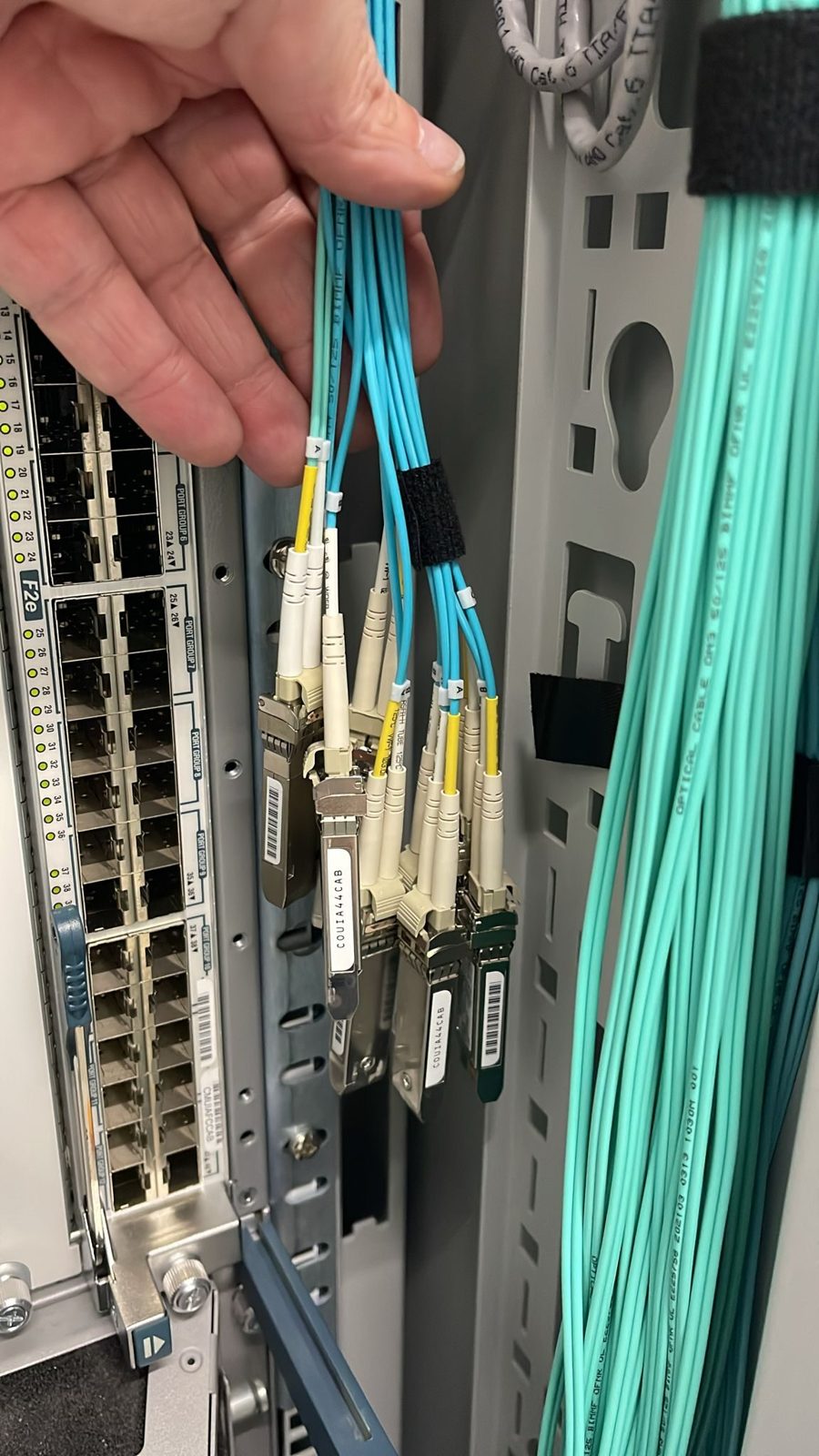
Every datacenter inventory starts out accurate and drifts from the first day. A server is moved, a cable is replaced in a hurry, an address is reused, and the record quietly stops describing reality. The fix is not a bigger spreadsheet. It is a habit: treat every record as a claim, and check it against the live network whenever you write it or rely on it.
The live device wins
The first rule is the one that settles every argument. When the record and the device disagree, the device is right and the record gets corrected. A DCIM that is continuously reconciled with the running network becomes the most useful tool you have at three in the morning.
We run a self-hosted DCIM built on RackTables and extended with modules that pull live data from the devices: ARP tables, port status, fibre channel zoning, storage exports and switch configurations. The pulls exist so the record can be checked against the wire, not trusted on its own.
Prove an address is free three ways
A record that says "free" is the first check, not the last. Before any address is assigned we check it three ways:
- The record. Is it allocated to anything in DCIM?
- The ARP tables. Has any router or switch on that segment seen it recently? On Cisco devices,
show ip arp <address>answers in a second. - The wire itself. From a host on the same segment, duplicate address detection asks the whole segment whether anyone owns the address:
arping -D -I <interface> -c 3 <address>
echo $?    # 0 means nobody answered, 1 means the address is in use
Ping is the weakest of the checks, because a firewalled host will not answer it, which is why ARP matters more on the local segment. If any check disagrees with the record, the live answer wins, and you investigate before assigning anything. Each assignment is then followed by its forward and reverse DNS records, so every address in the network resolves to a name that says what it is.
Confirm the hardware and its links
Read the MAC addresses from the machine
MAC addresses copied by hand from a sticker or a quote are wrong often enough to matter. Before a server is racked, its management controller can already tell you the real MAC of every network port, and on blade systems the enclosure can tell you every MAC and every fibre channel WWPN for each bay. Read them from there and write them into the record. When the server is connected, the switch's MAC address table should show exactly the addresses you recorded, on exactly the ports you planned.
Confirm the cabling with LLDP
A cable plan is a statement of intent. LLDP tells you what was actually connected. On the switch:
show lldp neighbors detail
On a Linux host running lldpd:
lldpctl
Each side reports the neighbour it sees: system name and port. Compare that with the links in the record. A server that reports the right switch on the wrong port is a cabling slip caught before it carries traffic, rather than an afternoon of confusion later.
Read back every field
When a build or a cabling job is finished, read every field you wrote back out of the database and compare it with the plan: rack units, ports, MAC addresses, links on both ends, cable IDs, address allocations with the interface they live on, management controller, and for blades their place in the enclosure. A half-filled object is unfinished work, not a draft to complete later. "Later" is how records drift.
One further safeguard is cheap and catches a surprising amount: run a duplicates report regularly, because two records for one machine are as misleading as none.
Reconcile the storage fabric too
On a fibre channel fabric, the record should hold every host port's WWPN, the switch port it lands on, and the zones it belongs to. The fabric itself can confirm all three. On Brocade switches, switchshow lists what is logged in on each port, nsshow lists the WWPNs registered in the fabric's name server, and zoneshow prints the active zoning. Compare those with the record on both fabrics. A host that appears logged in on only one fabric is a host one switch failure away from losing its disks, and the comparison finds it before that happens. We pull zoning from the switches into our DCIM for exactly this reason, so the record of a zone is the zone as the fabric enforces it.
Never reuse a cable ID
Every cable we install carries a laminated label at both ends with a unique numeric cable ID and its far-end rack, device, port and length, and the same number is recorded on the link in DCIM. The rule that makes this work is the one people are most tempted to break: a cable ID is never reused, not even the number of a cable since removed. Ours come from a dedicated allocator, are reserved before the labels are printed, and are watched for duplicates. Why the familiar "highest number plus one" method fails, and how to run allocation properly, is the subject of Numbering cables: why "highest plus one" is the wrong rule.
Build on paper first
All of this comes together in one habit: new hardware is fully in the record before it arrives. Rack units, management controllers, every port with its MAC address, port-channels, the switch ports on the other end, and a reserved cable ID for every link. The label set is printed in advance, and the hardware is racked and cabled against a plan that is already the record. Verification at the end is then a comparison, not a reconstruction.
Check your own records
- Pick an address marked free and run all three checks. Do they agree?
- Pick a server and compare its recorded MACs with the switch's MAC table.
- Run LLDP on one rack and compare every link with the record.
- Compare each host's WWPNs in the record with
nsshowon both fabrics. - Search for any cable number that appears on two links.
If you are planning a migration and want it built from a record you can trust, we can help. Talk to an engineer
Published 22 October 2026.
All field notes