

Central logging that holds up in an incident review
How to build central logging you can trust when it matters: reliable forwarding, one clean name per device, correct clocks, role streams and alarms on silence.
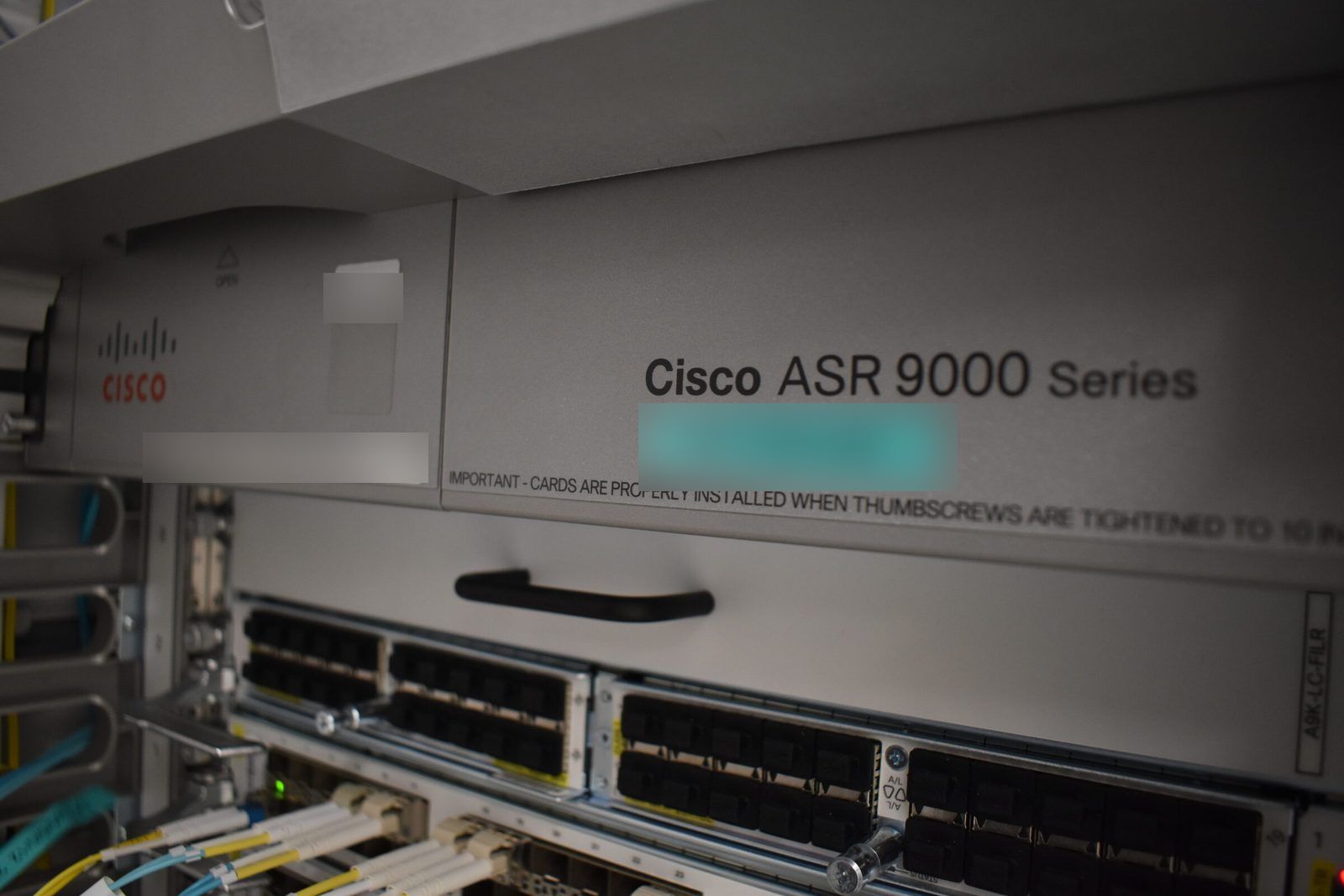
The real test of central logging is not whether messages arrive on a quiet afternoon. It is whether, the morning after something went wrong, you can put together a complete, correctly ordered timeline across routers, firewalls, storage and servers in a few minutes. That takes a pipeline built for it. This is how we build ours in Graylog, and what to copy for your own.
Start from the question you will ask
Every design choice in a logging pipeline should serve one question: "what happened, everywhere, between these two times?" That question fails in four predictable ways. Messages are missing for part of the window. The same device appears under several names, so a search finds only part of its history. Clocks disagree, so events land in the wrong order. Or everything is in one undifferentiated pile, so the important lines are buried. Each section below removes one of those failures.
Forward reliably, and buffer on disk
Classic syslog over UDP is fire and forget: the sender never learns whether anything received the message. For servers we prefer TCP forwarding with a disk-assisted queue, so a collector restart or a network blip delays logs instead of losing them. A minimal rsyslog action:
action(type="omfwd" target="<collector>" port="514" protocol="tcp"
       template="RSYSLOG_SyslogProtocol23Format"
       queue.type="LinkedList" queue.filename="fwd_central"
       queue.maxDiskSpace="1g" queue.saveOnShutdown="on"
       action.resumeRetryCount="-1")
The template sends structured RFC 5424 messages with a full timestamp and hostname. The queue keeps undelivered messages on disk and retries until the collector is back. Validate with rsyslogd -N1 before restarting the service.
Network devices are usually limited to plain syslog, so for them the protection is different: send to the collector from a source address and routing instance that can always reach it, and check that path whenever the device's routing changes.
Give every device exactly one name
Vendors disagree about what goes in a syslog header. Some devices omit their own hostname, some send a short name, some send an address, and the same device can change format after a software update. If the collector stores whatever arrives, one router ends up spread across three source names, and a search for it returns a third of its history.
We fix that on the way in. A Graylog pipeline rule rewrites every message's source to one canonical device name, using a lookup table keyed on the sending address:
rule "normalise source name"
when
  has_field("gl2_remote_ip")
then
  let name = lookup_value("device_names", to_string($message.gl2_remote_ip));
  set_field("source", name);
end
Keep the lookup table in step with your inventory, so a new device gets its clean name the day it is recorded, not the day someone notices it is missing.
Get the clocks right
Every device should log in UTC or carry an explicit offset. Mixing local time and UTC across devices is the classic way to make an incident appear to happen in the wrong order. Two quick checks on a Linux host:
chronyc tracking      # offset from the reference, should be tiny
timedatectl           # time zone and whether NTP is synchronised
On network equipment, check the equivalent status command and make sure the logging timestamp includes the date, milliseconds and time zone. Seconds are not enough when two routers react to the same event.
Route messages into streams by role
One firehose is unreadable. We route messages into streams by role: core routing, datacenter fabric, firewalls, storage, hosts. Because every source now has a clean name, routing is a matter of matching names or a role field set by the same pipeline. Each stream has the people who operate those systems as its natural readers, and each can have its own retention, designed to match what the service and any auditor require.
Alarm on trouble, and on silence
Alarm on what precedes trouble
Once the logs are clean and in the right place, the valuable lines should reach a person while they still matter. We define events for the messages that tend to come before an outage: a BGP session going down, a link flapping, BFD declaring a path dead, encryption sessions churning on a backbone, a hardware fault, a fibre channel error on a storage fabric, an address pool running out. They go to the on-call engineer in the operations chat as they happen, so the log becomes an early warning instead of an autopsy.
Alarm on silence too
A device that stops sending looks exactly like a device with nothing to say. So alarm on absence: an event that fires when a source that normally talks has been silent longer than it ever is. For naturally quiet devices, give them something to say, such as a heartbeat line written by a timer every hour, so silence becomes a signal. After any change that could disturb the path, send a test message and find it at the far end; our network team describes that check, and the rest of a monitoring self-test, in Test the alarm path, not the dashboard.
Check your own pipeline
- Does any device appear under more than one source name?
- What happens to a server's logs if the collector is down for ten minutes?
- Are all clocks synchronised to the same sources, with time zones explicit?
- Can you find every firewall's messages in one stream?
- Is there an alarm for a source that has gone quiet?
If you want logs you can rely on during an incident review, we are happy to help you build the pipeline and test it. Talk to an engineer
Published 22 October 2026.
All field notes