

Bucketing PHP-FPM slow logs to find what your site waits on
PHP-FPM's slow log records a stack trace for every slow request. Grouped by the frame each request was stuck in, it tells you exactly where your time goes.
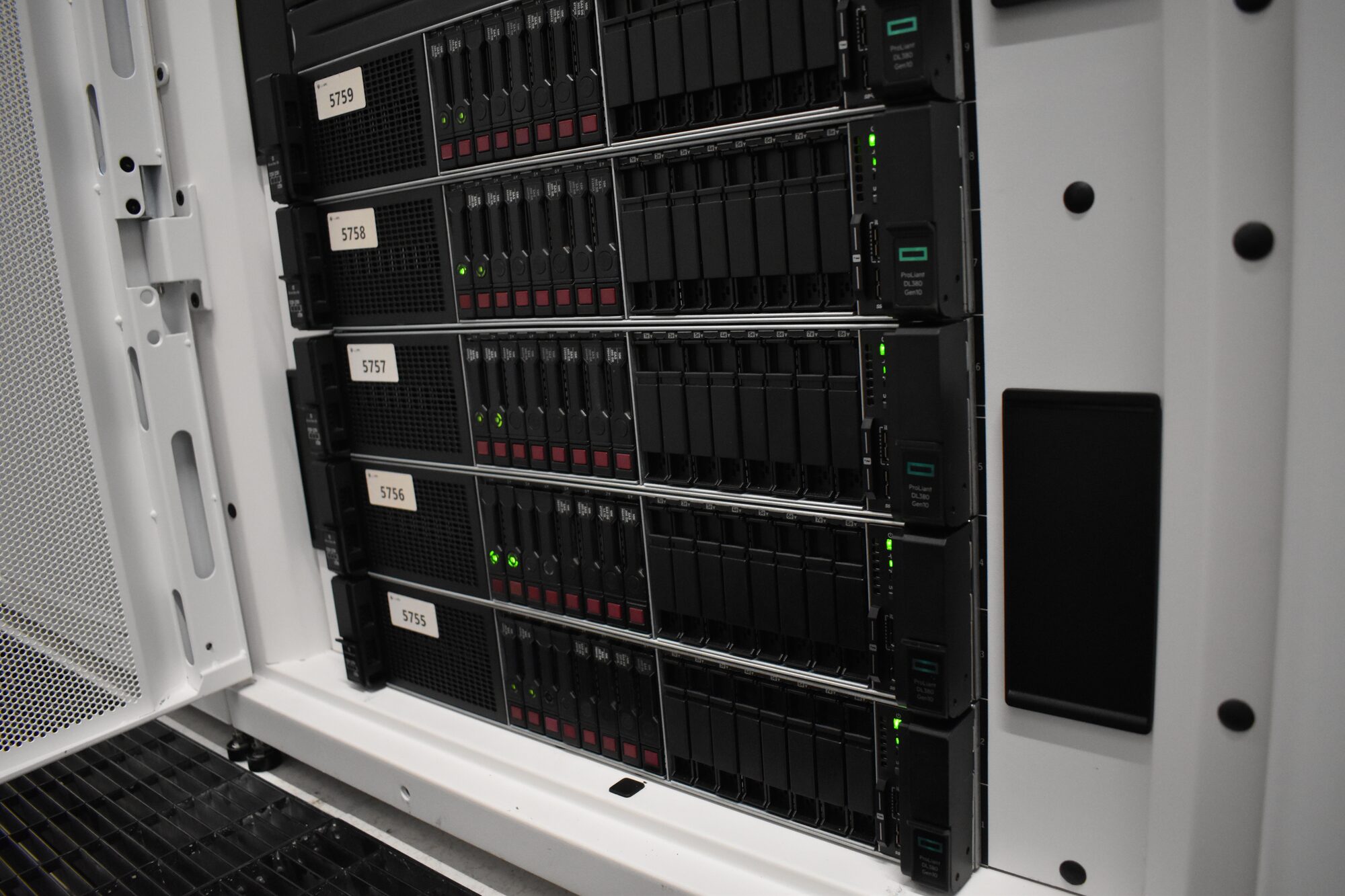
"The site is slow" is not something anyone can fix. "Four in ten slow requests are waiting on one external API call" is. PHP-FPM can tell you the second sentence for free, through a log most servers have switched off. Here is how to turn it on, read it, and group it so the answer falls out.
The problem: slow, but where?
When PHP pages are slow, most investigations start from the outside (page timing tools) or from the database (slow query log). Both are useful, and both miss the most common cause on modern sites: PHP waiting on something that is neither CPU nor the local database. A payment gateway. A stock or ERP API. A licence check. A session lock held by another request from the same visitor. Those waits do not show up as CPU, so the server looks idle while visitors stare at a spinner.
The PHP-FPM slow log catches all of them, because it does not care why a request is slow. It just takes a snapshot of what the request is doing.
Turn it on
In the pool configuration (for example /etc/php-fpm.d/www.conf):
slowlog = /var/log/php-fpm/www-slow.log
request_slowlog_timeout = 3s
request_terminate_timeout = 60s
When a request has been running longer than request_slowlog_timeout, the FPM master takes a backtrace of the worker and writes it to the slow log. The request carries on; nothing is killed. request_terminate_timeout is a separate safety net that does end runaway requests, and is worth setting while you are here.
Pick a threshold just above what "normal" looks like for your uncached pages. Too low, and you log healthy requests. Too high, and you only see the disasters. Reload FPM and let it collect through a busy period.
Read one entry
A slow log entry looks like this:
[22-Oct-2026 10:14:07]  [pool www] pid 41822
script_filename = /var/www/shop/index.php
[0x00007f1c2a614f20] curl_exec() /var/www/shop/modules/erpsync/Client.php:188
[0x00007f1c2a614e10] request() /var/www/shop/modules/erpsync/Client.php:97
[0x00007f1c2a614d00] getStock() /var/www/shop/modules/erpsync/Stock.php:42
[0x00007f1c2a614bf0] hookDisplayProduct() /var/www/shop/classes/Hook.php:1017
...
[0x00007f1c2a6140a0] dispatch() /var/www/shop/index.php:28
The top frame, the one directly under script_filename, is what the request was blocked on at the moment of the snapshot. Below it is how it got there. In this example, a product page is waiting for curl_exec(), called by a stock synchronisation module, during product display.
One entry is an anecdote. A day of them is a profile.
Bucket by the blocking frame
Group every entry by its top frame and count:
awk '/^script_filename/ { w = 1; next }
     w && /^\[0x/ {
       fn = $2
       match($0, /[^ ]+:[0-9]+$/)
       print fn " @ " substr($0, RSTART, RLENGTH)
       w = 0
     }' /var/log/php-fpm/www-slow.log \
  | sort | uniq -c | sort -rn | head -25
The output is a ranked list of what slow requests were actually doing. On a typical slow shop it might look like:
 812 curl_exec() @ .../modules/erpsync/Client.php:188
 497 execute() @ .../classes/db/DbPDO.php:132
 251 session_start() @ .../config/bootstrap.php:61
  88 file_get_contents() @ .../themes/shop/fonts.php:12
Then group a second way, by the first frame inside a plugin, module or theme directory. That turns the list from "which function" into "whose code", which is the question the developers will ask.
What the common frames mean
curl_exec(),file_get_contents()on a URL,fsockopen(): an external call made synchronously during page generation. Look at the timeout it uses; a long timeout on a slow third party stalls a worker for that long. The fix is a short timeout, caching the answer, or moving the call out of the page request.execute(),query(),mysqli_query(): a database wait. Take the file and line to the slow query log andEXPLAINthe query that runs there. If the buffer pool is answering from memory and the query still takes seconds, the query or its indexes are the problem, not the hardware.session_start(): almost always session locking. File and some database session handlers lock the session for the whole request, so a visitor whose browser fires several requests at once has them queue behind each other. Close the session early withsession_write_close()once the code has what it needs, or use a non blocking handler.sleep(),usleep(), retry loops: someone's code is deliberately waiting. Usually a retry against an external service that is having a bad day.- Pure PHP functions deep in a template or loop: genuine CPU work. Rarer than people expect, and the only bucket where faster hardware helps directly.
Weigh it, then confirm the pool
The slow log counts requests above the threshold; it does not tell you how much total time each bucket costs. Combine it with your web server's access log, logging $request_time and $upstream_response_time in nginx, to weigh slow requests by URL and by duration. A bucket with fewer entries but far longer requests can matter more.
Then check whether slow requests are also starving the pool:
grep -c 'reached pm.max_children' /var/log/php-fpm/error.log
curl -s 'http://localhost/fpm-status?full' | head -20
If workers are exhausted, visitors queue even for pages that are fast on their own. Raising pm.max_children treats the symptom; shortening the slow external call treats the cause.
A word on overhead
Taking a backtrace means the FPM master briefly attaches to the worker. At a sensible threshold the overhead is negligible, because it only happens to requests that are already slow. Do not set the threshold to a fraction of a second on a busy site and leave it there. Collect, analyse, then raise it back to a monitoring level.
Your checklist
slowlog,request_slowlog_timeoutandrequest_terminate_timeoutset in every pool.- A day of slow log grouped by blocking frame, then by plugin or module.
- External calls found and their timeouts read.
- Database frames traced to the queries on those lines, with
EXPLAIN. session_start()entries checked for session locking.- Slow requests weighed by duration from the access log, and pool exhaustion ruled in or out.
When a slow log points somewhere you cannot easily follow, we are glad to help read it.
Published 22 October 2026.
All field notes