

The most privileged port in the rack is the one nobody watches
iLO and iDRAC can power off, reinstall or read any server. How to isolate management controllers on an air-gapped network, harden them and configure at scale.
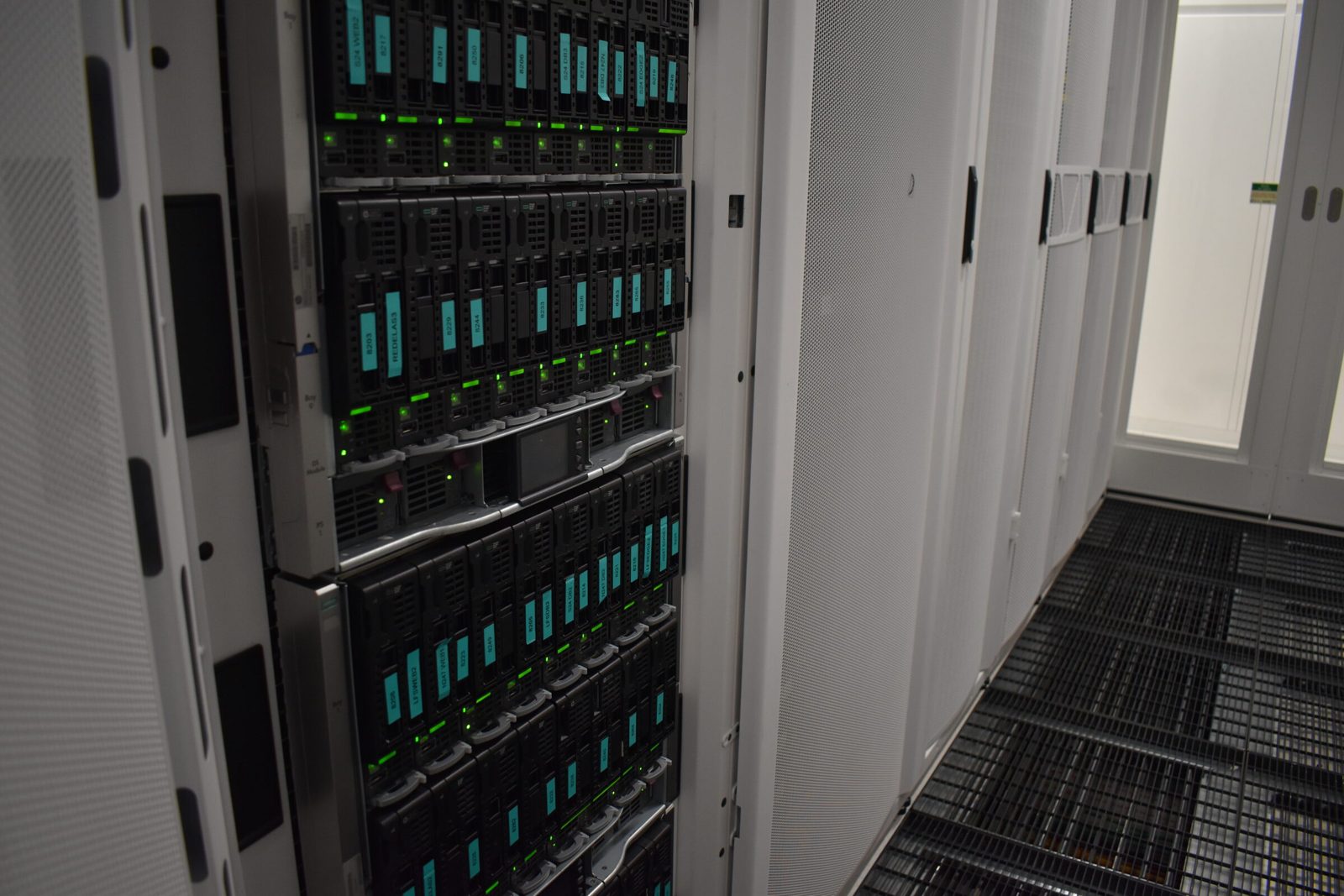
Every modern server carries a second, smaller computer inside it: the management controller. On HPE servers it is iLO, on Dell servers it is iDRAC, and on blade enclosures there is an Onboard Administrator above the blades. It is often treated as a convenience for remote reboots. It is actually the most privileged component in the rack, and it deserves to be designed around.
What a management controller can do
All the hardening you do inside the OS is beside the point if the controller is reachable by the wrong people.
Rule one: its own port, its own network
Most servers can run the controller either on a dedicated management port or shared with one of the main network ports. Sharing is convenient, because it saves a cable and a switch port. It also places the controller on the same network as the server's ordinary traffic, which is exactly where it should not be.
We give every controller its own physical port, its own cable and its own switching, on private address space that is never routed to or from any customer network and never announced to the internet. That is what we mean by an air-gapped management network. A customer machine, even a compromised one, has no path to any controller. Engineers reach the management network only through our own VPN gateways and jump hosts.
You can check the current choice from the controller itself. On iDRAC:
racadm get iDRAC.NIC.Selection      # Dedicated, or one of the LOM ports
racadm get iDRAC.IPv4               # address, gateway, DHCP state
On any server with IPMI tools installed, from the operating system:
ipmitool lan print 1
That shows the controller's address, VLAN and the cipher suites it accepts over the network.
Rule two: turn off what you do not use
Controllers ship with several ways in, and each one is surface area. Review them on every machine:
- IPMI over LAN. Older, less secure than the controller's web and SSH interfaces. If nothing in your tooling needs it, disable it (
racadm get iDRAC.IPMILan.Enableshows the state on iDRAC). If something does need it, make sure only strong cipher suites are accepted. - Time and logging. Point the controller at your time sources, and send its logs and SNMP traps to your management collectors.
Rule three: license it properly
Bare IPMI gives you power control and not much else. The licensed tiers are what make a controller useful for real operations: remote console that works reliably, virtual media for remote installs, full hardware telemetry and firmware management. We run iDRAC Enterprise with Datacenter licensing on Dell servers, iLO Advanced on HPE servers, and redundant Onboard Administrators on every blade enclosure. A server that cannot be fully reached through its controller is a server that needs a person in front of it, and that is the expensive way to run a datacenter.
Configure the whole enclosure at once
On HPE blade enclosures there is a better route. The Onboard Administrator can pass a configuration script to the iLO of every blade across the enclosure backplane in a single operation, using HPE's RIBCL scripting format through the HPONCFG command. The enclosure authenticates to each iLO itself, so no per-blade credentials are needed, which means a blade racked this morning, with no password of its own yet, can be fully configured this afternoon.
A typical enclosure-wide pass sets the licence, adds a management account, sets the session timeout, points time and SNMP at the management collectors, and is followed by a second pass that reads every setting back for verification. Dell has the equivalent in racadm scripting and server configuration profiles. Whichever vendor you use, the principle is the same: one written configuration, applied identically, verified by reading it back.
Giving customers access without breaking the model
Customers with dedicated servers sometimes need their own console access. By default our engineers use the remote console on the customer's behalf, around the clock. Where a customer needs direct iLO or iDRAC access, we provide it over a dedicated VPN, so the controller itself stays on the isolated management network and only that customer's controller is reachable through it.
Check your own controllers
- Is every controller on a dedicated port, or are some sharing a data port?
- Can any controller be reached from a customer network or from the internet?
- Is IPMI over LAN enabled anywhere it is not needed?
- Are any factory accounts still active?
- Do controller logs and traps reach your monitoring?
- Is there one written configuration that every controller is checked against?
If you would like your hardware managed with the controllers locked away where they belong, we are glad to talk. Talk to an engineer
Published 22 October 2026.
All field notes