

What to ask a GPU provider before you sign
Twelve questions to ask before renting GPU servers for AI: the exact card, dedicated or shared, jurisdiction, drivers, exposure and data handling.
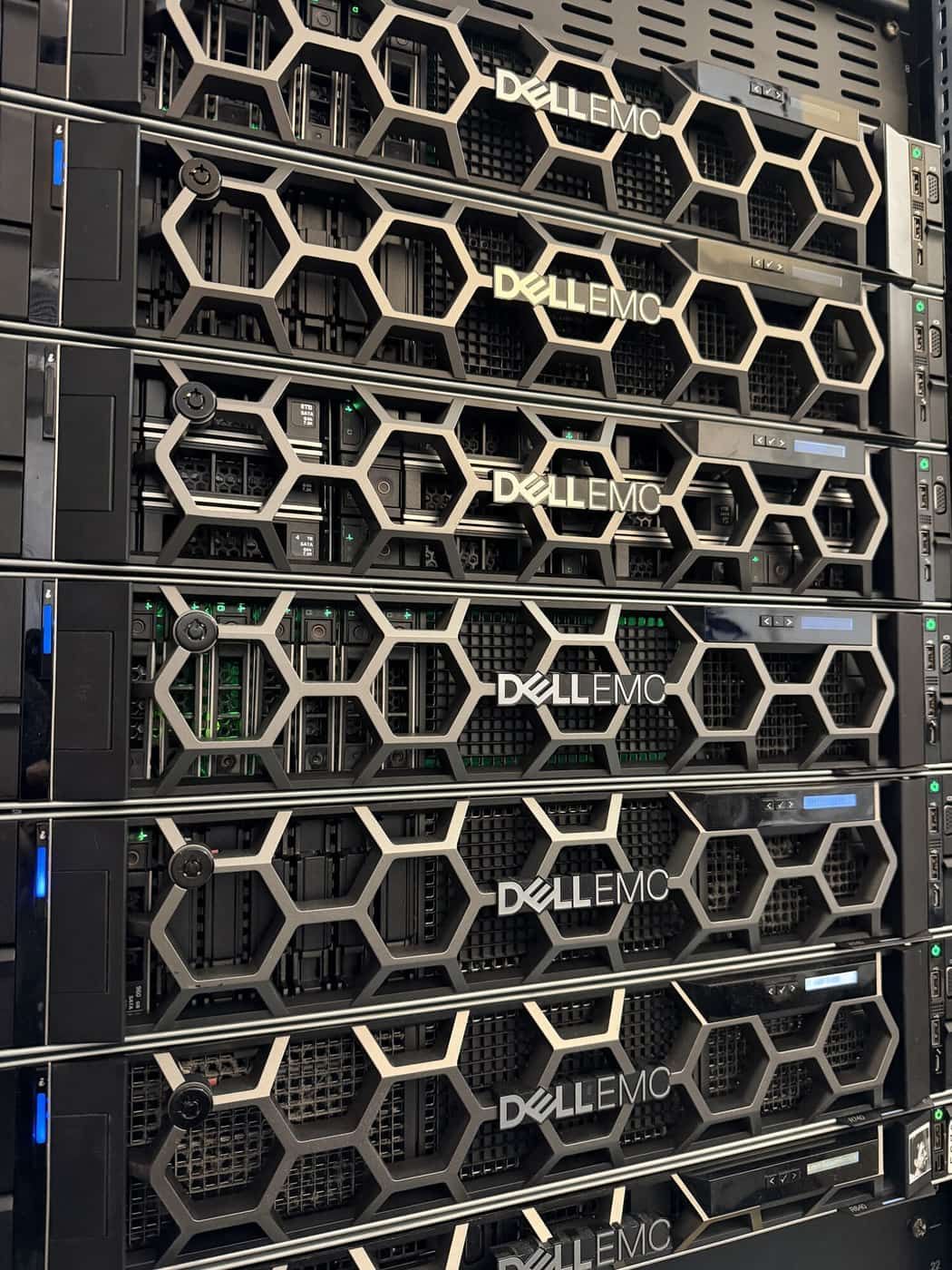
GPU offers look alike from a distance: a card name, a lead time, a price. Up close, two offers with the same card name can be very different products, and the differences decide whether your model runs well, whether your data stays where you need it, and whether the platform is still yours to rely on next year. These are the questions we would ask any provider, ourselves included, and how to check the answers once the server is in your hands.
About the hardware
1. Which card exactly? A model name is not a specification. The same family comes with different memory sizes and in different form factors, a PCIe card or a module on a board with a high-speed link between GPUs. For large models, GPU memory decides what fits, and for multi-GPU work the link between cards decides how well it scales. Ask for the exact variant in writing.
2. Is it dedicated, or a slice? A GPU can be split into partitions or time-shared between customers. That is fine when you know about it and priced for it. It is not fine when you believe you have a whole card. Ask whether you get the whole physical device, and whether anyone else's workload runs on it.
3. What surrounds the card? A fast GPU starved by a slow host is a slow GPU. Ask about the processors, how much system memory there is per GPU, how many PCIe lanes reach each card, local NVMe for model weights and datasets, and the network between servers if you will train across more than one.
4. When can I have it? Ask for a lead time you can plan around, and whether it is the same for a second server when your first one succeeds.
About where it lives
5. Where is it physically, and under which jurisdiction? If you process health, legal, financial or personnel data, the country and the legal entity operating the hardware matter as much as the hardware. Ask for the datacenter, not the region name.
6. Who can access the server and its data? Ask who holds administrative access, whether remote hands can touch the machine, how access is logged, and what happens to the drives when the contract ends. A good answer names the erasure method and offers a certificate.
7. Is anything sent to an outside service? Some managed AI offers log prompts and outputs, or route certain requests to a third party model. Ask directly whether any content, prompt, completion, embedding or log, leaves the server or the provider's network, and get the answer in the contract.
About the software
8. Who maintains the driver stack? GPU drivers, the CUDA runtime and the container toolkit must match each other and the kernel. Ask who updates them, how they are tested, and whether kernel modules are signed so the server can run with Secure Boot and the security policy you expect on any other machine.
9. Can I run containers with the GPU, cleanly? Most AI stacks ship as containers. The container runtime should see the GPU through the vendor's container toolkit, without running privileged containers to get there.
10. Can you run the model stack, or only rent me the box? Serving a model well involves batching, quantisation choices, an inference server, an embedding model and usually a vector database. Some providers hand you a root password and leave. If you want the stack built and operated, ask who will do it, and ask for an endpoint that speaks the API format your applications already use, so moving between a public API and your own model is a configuration change, not a rewrite.
About exposure and cost
11. Is the endpoint on the public internet? An inference endpoint on a public address is an attack surface and a bill waiting to be run up by someone else. Ask whether it can be reachable only from your private network.
12. What does the cost depend on? Fixed monthly hardware behaves very differently from per token or per request billing as usage grows. Ask what changes the price, and whether rate limits apply to hardware you are paying for.
Verify on day one
Once the server is yours, check that it is what was promised:
nvidia-smi
nvidia-smi -q | grep -E 'Product Name|Serial|Memory|ECC|Persistence|Power Limit'
nvidia-smi topo -m
nvidia-smi -q -d PERFORMANCE
lspci | grep -i nvidia
mokutil --sb-state
nvidia-smi -q confirms the exact product and its memory, and shows whether ECC is enabled and whether any errors have been recorded. topo -m shows how the GPUs connect to each other and to the processors, which tells you whether multi-GPU traffic takes a fast path. The performance section reports clocks and any throttling reasons, such as power or temperature limits, which you want to see clear under a sustained load. If partitioning is in use, it shows here too. Finally, run your own model with your own data at your expected concurrency and measure tokens per second and latency. That is the benchmark that matters.
How we answer them
We supply the NVIDIA data center GPU your workload calls for, A100, H100, L40, L40S and others, as dedicated hardware on enterprise HPE and Dell platforms, delivered with a 48-hour lead time, in our Athens and Amsterdam datacenters inside the EU. GPU servers are built like every other server we run: vendor-signed kernel modules, Podman with the NVIDIA container toolkit, SELinux enforcing. When we build the private AI stack on top, models are served through OpenAI-compatible endpoints on an isolated network segment, and nothing in the content path calls an outside AI service. That is how we built a platform for a customer analysing medical records: every step runs on local models inside Digital Realty Athens, and the data never touches a public cloud. Drives that leave service are sanitised with Blancco, with an erasure certificate kept for each one.
Bring us your model and your throughput target, and we will tell you which card fits and why.
Published 22 October 2026.
All field notes