

Stretching a VLAN between sites with WireGuard and VXLAN
How to extend a Layer 2 segment between two locations with WireGuard and VXLAN on Linux: MTU maths, bridge layout, loop safety and a migration order.
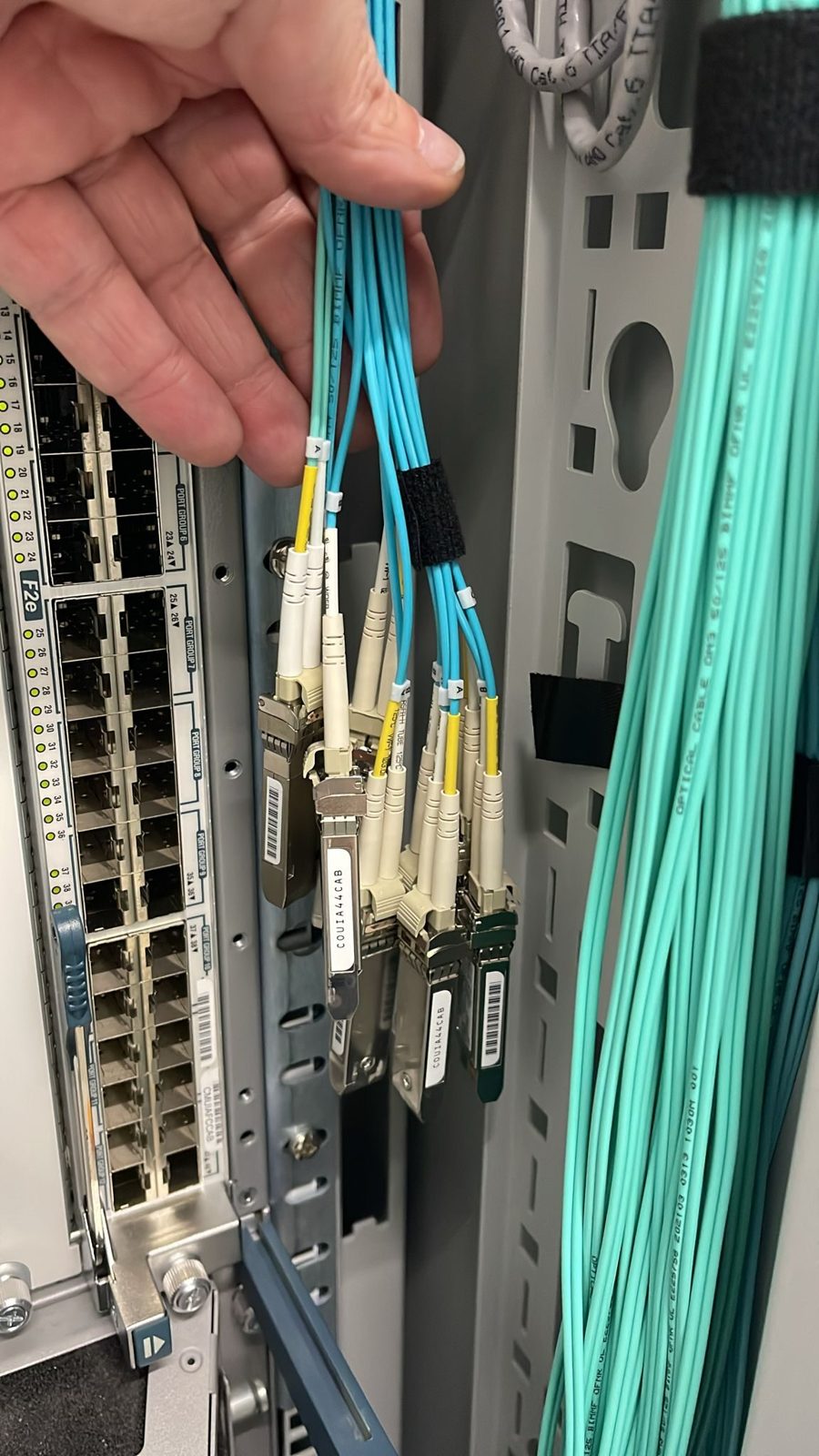
The most expensive part of changing provider is rarely the servers. It is the addresses: every DNS record, firewall rule, licence key and partner allow list that has your IPs written into it. If the same VLAN can exist in both places while you move, none of that has to change. Here is how a Layer 2 extension is built from plain Linux parts, and what to get right before you trust production traffic to it.
Why stretch at all
Renumbering forces a big-bang cutover: everything moves on one night, or nothing does. A stretched VLAN turns that into many small steps. A server already moved and a server not yet moved share a subnet and a gateway, so you can move one host, test it in its new home, and move it back if anything is wrong. The cost is a temporary tunnel; the saving is weeks of renumbering and a cutover night with no way back.
The usual objection is that Layer 2 across sites is fragile. It is, if it is built as a flat bridge over the internet. Built as an encrypted, per-VLAN overlay landing in a proper fabric, it is a well-behaved migration tool.
The building blocks
Four pieces, all in the mainline Linux kernel:
- WireGuard for the encrypted point-to-point path between the two endpoints. It is small, fast and has almost nothing to configure wrongly.
- VXLAN on top of WireGuard, one VXLAN interface per stretched VLAN, so each segment stays separate inside the tunnel.
- A Linux bridge per VLAN, joining the VXLAN interface to the local VLAN.
- A VLAN sub-interface on the endpoint's trunk toward the local switch.
On each endpoint, for one VLAN, the shape is:
# encrypted underlay
ip link add wg0 type wireguard
wg setconf wg0 /etc/wireguard/wg0.conf
ip address add 10.255.0.1/30 dev wg0
ip link set wg0 up

# one VXLAN per stretched VLAN, unicast to the far end over the tunnel
ip link add vx210 type vxlan id 210 local 10.255.0.1 remote 10.255.0.2 dstport 4789
ip link add br210 type bridge
ip link add link eth1 name eth1.210 type vlan id 210
ip link set vx210 master br210
ip link set eth1.210 master br210
ip link set vx210 up; ip link set eth1.210 up; ip link set br210 up
Make it persistent with NetworkManager or systemd-networkd once it works; the command form is the clearest way to see the layers.
Get the MTU right first
Almost every "it pings but the application hangs" problem on a stretched VLAN is MTU. Each layer adds overhead:
- WireGuard adds 60 bytes over IPv4 (80 over IPv6).
- VXLAN adds 50 bytes (outer Ethernet, IP, UDP and the VXLAN header).
With a standard 1500 byte path between sites, a full 1500 byte frame from a server cannot fit. You have two honest options: raise the MTU of the underlay path (if the fibre path and both ends support jumbo frames, this is the clean answer), or lower the MTU on the stretched segment for the duration of the migration. What you must not do is hope fragmentation sorts it out. Test with don't-fragment pings at the size you expect:
ping -M do -s 1472 <host-on-far-side>
Keep loop protection intact
A stretched VLAN joins two Layer 2 domains, and the tempting fix for spanning tree complaints is to turn spanning tree off on the port. Do not. Filter BPDUs only where the extension endpoint attaches, so the two sides do not merge their spanning tree domains, while every other port keeps full loop protection. And never build two parallel extensions for the same VLAN unless something explicitly prevents both being active at once.
Land it in a real fabric
On the receiving side, the endpoint's trunk should land on an ordinary switch port in the fabric, so the stretched VLAN becomes a normal segment: same gateway, same dual-homing, same monitoring as any native one. If your VLAN numbers clash with numbers already used at the destination, map them to a free range on the way in and keep a written table of the mapping. In an EVPN fabric, derive the segment identifier from the destination's local number, never the source's, so the fabric's own numbering rule still holds.
Plan for throughput
Encryption plus encapsulation is CPU work, and a single tunnel on a given endpoint has a throughput ceiling set by that work. It is plenty for most migrations, but it is a real ceiling. Measure it on your endpoint hardware before the migration with iperf3 across the tunnel, pin the tunnel's interrupts and work to a dedicated core, and decide in advance at what load you add a second tunnel on a second core and split the VLANs between them.
A migration order that works
- Build the extension and test it with a disposable host on each side.
- Verify MTU end to end at full frame size.
- Move a low-risk server first. Check gateway reachability, DNS, monitoring and backups from its new home.
- Move the rest in batches that match your application's dependencies (database replicas before primaries, workers before front ends).
- Move the gateway last, once most traffic is local to the new side.
- Remove the extension only when nothing on the old side still answers on the segment.
Before you start, check
- Is the tunnel encrypted end to end, not just "on a private line"?
- Do you know the MTU ceiling of the path, measured, not assumed?
- Is BPDU filtering limited to the extension ports?
- Is there a written VLAN mapping table?
- Do you have a measured throughput ceiling and a plan for exceeding it?
We build these extensions between our own sites and from any location we can reach by fibre, so customers move to us without renumbering. If you are planning a move and want the addresses to stay put, we would be glad to plan it with you.
Published 22 October 2026.
All field notes