

How to read multipath state on a Linux host
What multipath -ll tells you about your SAN disks: path counts, ALUA priorities, queueing on path loss, and how to prove failover before you need it.
If your server keeps its data on a SAN, the most important health report on the box comes from a command most people never run. multipath -ll tells you how many roads lead to your disk, which of them the array prefers, and whether the host would survive losing one. This is how to read it, and what to change when it looks wrong.
Redundancy you cannot see is not redundancy
When one path dies quietly, nobody notices. The host keeps running on what is left, and the first sign of trouble is the day the second path goes and the volume disappears from under a database. A server handed over with the multipath device mounted and never looked at again has redundancy on paper only. The check takes thirty seconds and should be part of every build, every maintenance and every incident review.
Reading the output, line by line
Here is a generic example from a host with two HBA ports and two array ports zoned per fabric:
mpatha (360002ac000000000000000000000abcd) dm-2 3PARdata,VV
size=50G features='1 queue_if_no_path' hwhandler='1 alua' wp=rw
`-+- policy='service-time 0' prio=50 status=active
  |- 1:0:0:1 sdb 8:16 active ready running
  |- 1:0:1:1 sdc 8:32 active ready running
  |- 2:0:0:1 sdd 8:48 active ready running
  `- 2:0:1:1 sde 8:64 active ready running
The first line gives the friendly name, the WWID and the vendor and product strings. The WWID is the volume's identity as the array reports it. If you ever need to prove which array volume is which Linux device, compare this string with the array's own volume listing, never with a device letter, because device letters change between boots.
The second line holds the settings that decide behaviour under failure. queue_if_no_path means that if every path is lost, I/O waits instead of failing. hwhandler='1 alua' means the array speaks ALUA, the standard way an array tells the host which ports are preferred.
The path group line shows the selector policy and the priority. A symmetric active/active array like the one above puts every path in one group with equal priority. An asymmetric array shows two groups: a higher priority group of optimized paths marked active, and a lower priority group marked enabled that carries I/O only if the first group fails. Both layouts are healthy. What matters is that the layout matches what your array vendor documents for your host type.
Each path line reads host:channel:target:lun, then the device, then three states. The first number is the SCSI host, which on a Fibre Channel server means the HBA port. Every volume should show paths through both HBA port numbers. If every path on a volume shares one host number, that volume is reachable through one fabric only, no matter what the cabling diagram says. The three states are the device-mapper state (active or failed), the path checker result (ready, faulty, ghost) and the kernel's view of the device (running or offline).
A healthy host, as a checklist
- Every volume shows the same number of paths, and that number equals HBA ports times array ports zoned per fabric.
- Every volume has paths through both HBA host numbers.
- No path is
failed,faulty,offlineorshaky. - The vendor string, hardware handler and priorities match your array vendor's host guide, and the host is registered on the array with the matching host persona or host type.
- The behaviour when all paths are lost (
no_path_retry) was chosen on purpose, not inherited. - LVM uses only the multipath devices, never the underlying
sdpaths.
These commands give you the whole picture:
multipath -ll
multipathd show paths
multipathd show maps status
cat /sys/class/fc_host/host*/port_state
cat /sys/class/fc_host/host*/port_name
To count live paths per volume in one go:
multipath -ll | awk '/ dm-/{m=$1} /active ready/{c[m]++} END{for (k in c) print k, c[k]}'
Run it after every zoning change, every array change and every reboot. A count that differs between volumes is worth chasing today.
The settings that matter most
Most distributions ship a sensible built-in table of array defaults, but the array vendor's host guide is the authority. A typical device section looks like this:
defaults {
    user_friendly_names yes
    find_multipaths yes
}
devices {
    device {
        vendor               "3PARdata"
        product              "VV"
        path_grouping_policy group_by_prio
        prio                 alua
        hardware_handler     "1 alua"
        path_checker         tur
        failback             immediate
        no_path_retry        18
    }
}
The one value worth thinking about yourself is no_path_retry. Queueing for a while lets a host ride out a controller failover or a fabric reboot without an I/O error reaching the application. Queueing forever can freeze a database host in a way that is harder to recover than a clean failure. Pick a number of retries that covers your array's documented failover time with margin, write down why, and apply it to every host of that type.
The other classic problem is LVM scanning the raw paths and complaining about duplicate physical volumes. On current systems the device list (lvmdevices) or a filter in lvm.conf that accepts only /dev/mapper devices settles it. Duplicate PV warnings are not cosmetic: they mean LVM may open a single path instead of the multipath device, and then it is no longer protected.
Prove failover before you need it
A path that has never failed over is a theory. Before a host carries production, take one path away and watch:
# terminal 1: keep reading from the volume
dd if=/dev/mapper/mpatha of=/dev/null bs=1M iflag=direct status=progress

# terminal 2: take one path offline, watch, then bring it back
echo offline > /sys/block/sdb/device/state
multipathd show paths
echo running > /sys/block/sdb/device/state
journalctl -k -f
The read in the first terminal should carry on without pausing for more than a moment. When the path comes back, multipathd show paths should return it to active ready. Then do the larger test that matters: disable the host's port on one fabric at the switch, confirm the volume runs on the other fabric alone, restore it, confirm every path returns, and repeat for the second fabric. If any step surprises you, you have found the problem on a quiet afternoon instead of during an outage.
How we do it
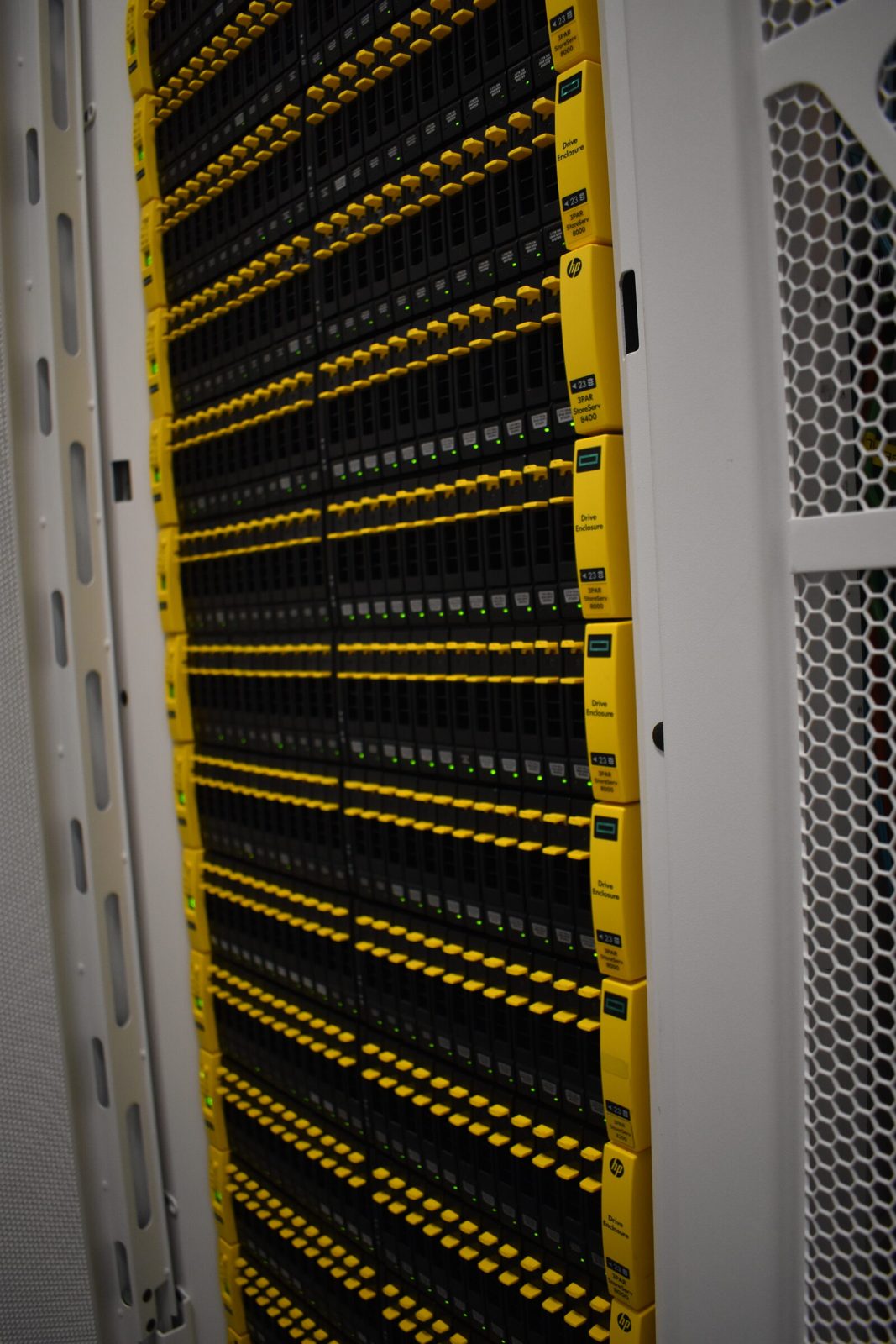
On our platform every SAN-attached host, hypervisor or dedicated server, gets one HBA port in each of two independent Fibre Channel fabrics and is registered on our HPE 3PAR all-flash arrays with the persona that makes ALUA behave exactly as its operating system expects. When we move a live volume between arrays, the host rescans, sees its new paths, and carries on, and the path count is the proof that the move is complete.
If your multipath output does not look like the healthy example above, or you are not sure what yours should look like, we are happy to read it with you.
Published 22 October 2026.
All field notes